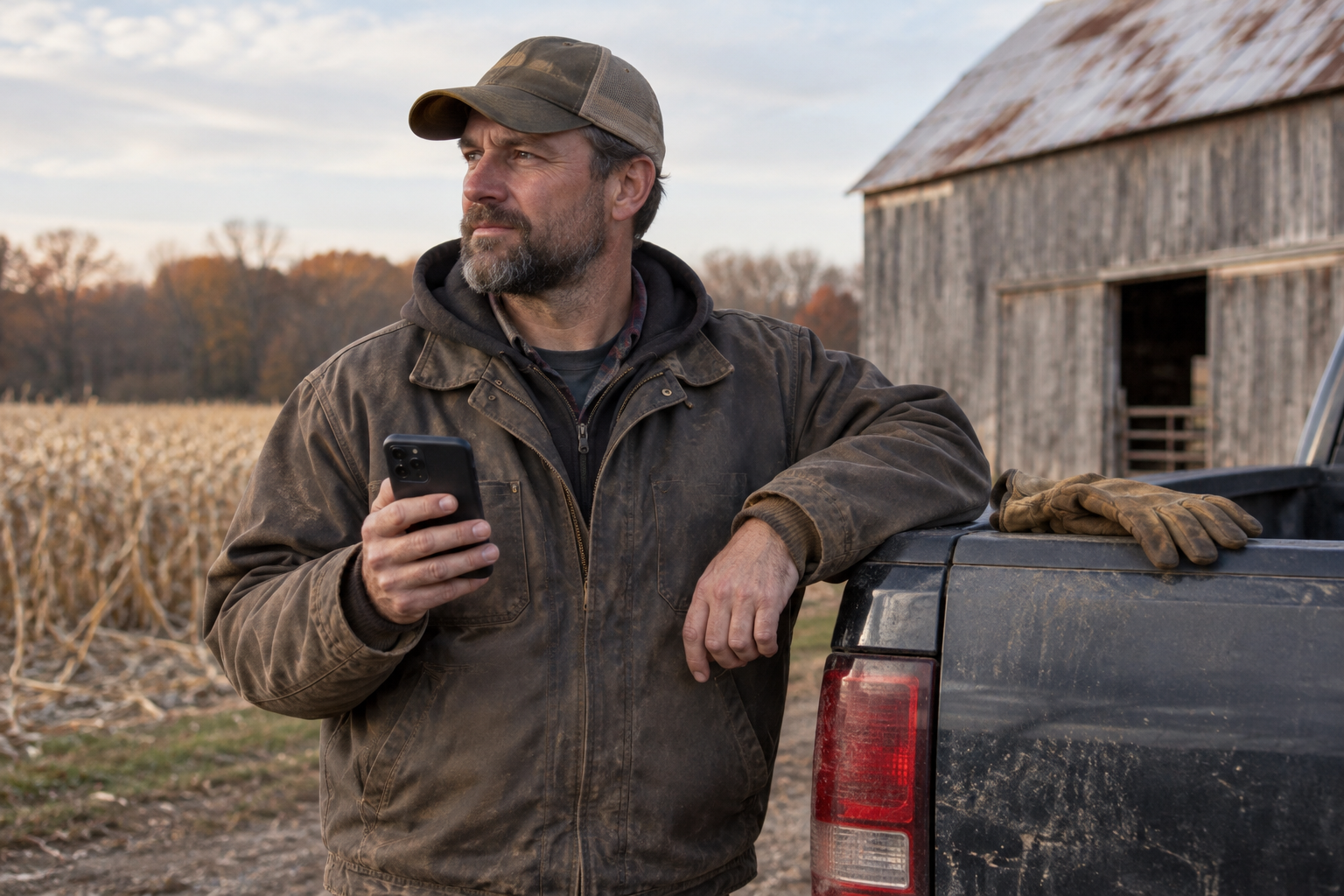
Rugged Phones
Pack Your Phone Like the Rest of Your Outdoor Gear
November 15, 2026 · 6 min read · Nexoria Wireless
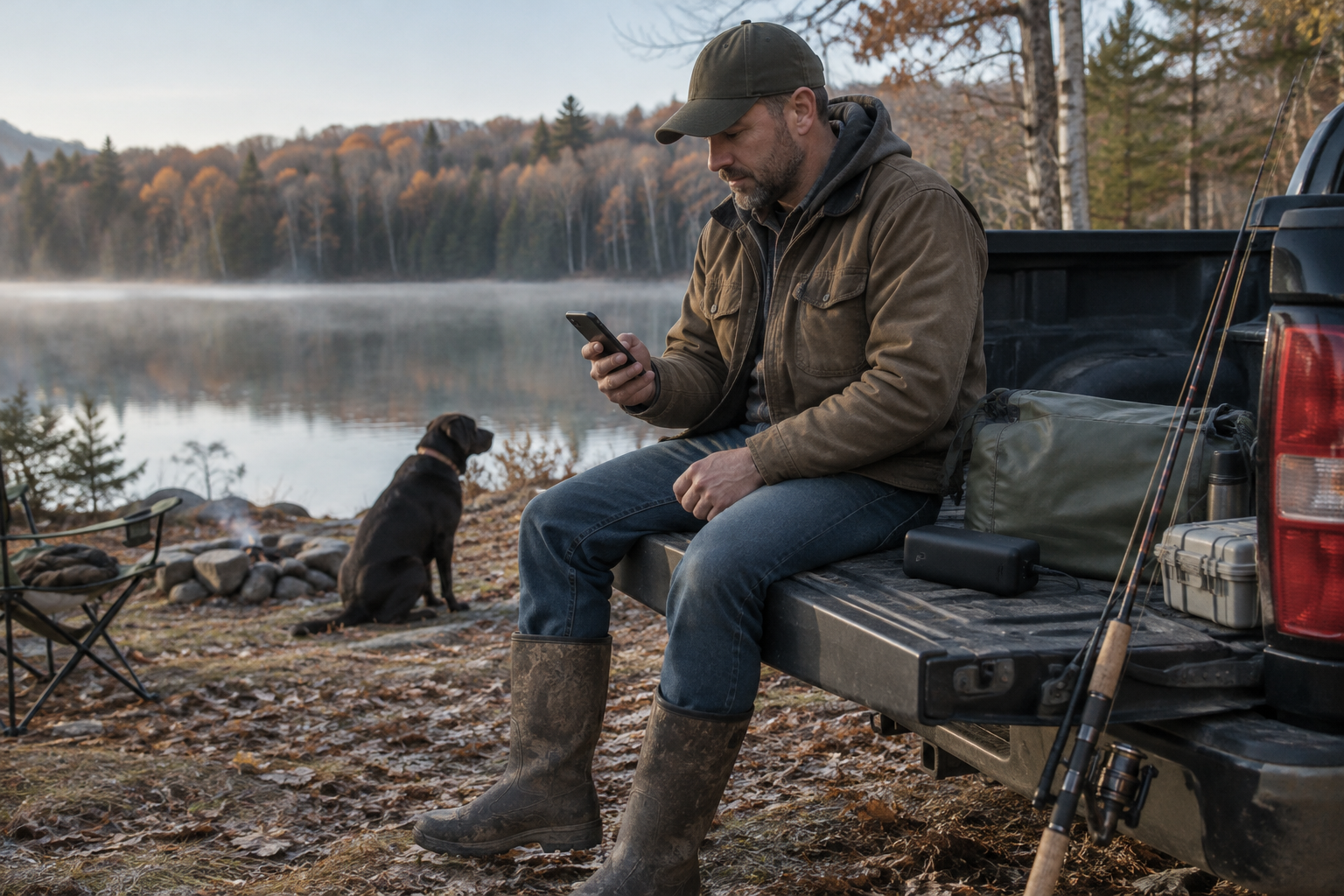
You check your boots before a hike, your tackle before a fishing trip, and your tires before a long drive. Your phone deserves the same attention. Whether you’re hunting, camping, working cattle, or heading across the country, staying reachable takes more than a tough-looking device. Think of your phone as one piece of outdoor gear: choose it for the job, protect it from the conditions, and give it a practical plan for power and coverage.
Start with the day you actually have
The best place to start shopping isn’t a feature list. It’s your usual day outdoors.
A rancher may handle a phone with dusty hands and carry it while climbing in and out of equipment. An angler may need a secure place to put it near the water. A camper may care most about keeping enough charge for the drive home. Those are different needs, even when all three people want a rugged phone.
Before choosing a model, ask yourself:
- Can I carry it comfortably in the pocket or pouch I use most?
- Are the buttons and charging connection easy for me to handle?
- What does the manufacturer say about water, dust, and drops?
- Will it fit the vehicle mount or other gear I already use?
- Do I need a smartphone’s tools, or would a focused phone better suit my routine?
Nexoria is worth a look if you’re shopping for outdoor use. Its lineup includes rugged and focused phones, including Ulefone Armor and RugOne models. You can browse Nexoria’s phones and compare individual models against your needs. Nexoria also offers free shipping on every order.
Don’t assume every rugged model has the same protection or features. Read the details for the exact phone you’re considering.
Treat weather protection as a backup, not a dare
A rugged phone can be a sensible choice for outdoor life, but the word “rugged” doesn’t mean every kind of exposure is harmless. Water resistance has limits, and the conditions listed by a manufacturer matter.
For fishing or camping, keep a dry pouch or protected storage spot available. Secure the phone before leaning over a dock or unloading a boat. A phone’s water rating won’t keep it from sinking out of reach.
On a muddy ranch day, think about where the phone goes between calls. A pocket full of grit or a dirty truck seat can turn into a rough storage spot. Keep charging connections protected as directed by the manufacturer, and follow its cleaning instructions rather than guessing at a cleaner or tool.
If the phone gets wet, follow the manufacturer’s drying guidance before connecting a charger. Don’t assume a dry-looking screen means the charging port is dry too.
Temperature deserves attention as well. Avoid leaving your phone baking on a dashboard or exposed to cold longer than necessary. Check its stated operating and charging limits. The goal is simple: let the phone’s toughness be your backup, not your everyday storage plan.
Pack power for the whole outing
Long days away from a charger call for a little planning. Navigation, photos, screen brightness, and searching for a signal can all affect how long a charge lasts. A familiar phone may behave differently on a weekend outdoors than it does at home.
Start with a full charge, then pack a charging setup you have already tested. An unfamiliar cable discovered at a distant campsite isn’t much help.
A useful power checklist includes:
- A charged portable battery that works with your phone.
- The correct cable, stored somewhere dry.
- A compatible vehicle charger for road trips or workdays.
- Power-saving settings you know how to use.
- Maps or trip details downloaded ahead of time, where your apps support offline use.
Keep expectations practical. A portable battery’s usefulness depends on its capacity, condition, and the device you’re charging. Test your setup before relying on it for a long outing.
For hunting or quiet time at camp, silence unnecessary notifications and avoid leaving the screen on. Airplane mode can conserve power when you don’t need a connection, but it also interrupts cellular calls and messages. Turn cellular service back on when you want to be reachable, and remember that service still depends on coverage.
Separate a tough phone from a strong signal
A phone’s physical durability and its ability to connect are two different things. A rugged shell doesn’t remove the effects of hills, terrain, buildings, or distance on cellular reception.
Nexoria offers extensive nationwide 5G and 4G LTE coverage. Coverage and speeds vary by location, device and conditions. Before a trip, review coverage information for the places you expect to visit—not just your home address.
Think through the whole route. Your campsite, fishing access point, work pasture, and overnight stop may have different conditions. Coverage information is useful for planning, but it isn’t a promise that every spot will have service.
Set simple expectations with the people who need to hear from you. Let family or coworkers know when you expect to check in and that replies may be delayed in areas with limited reception. Keep important phone numbers saved on the device rather than only in an online account.
If you’re considering Nexoria but already have a phone you like, start with the bring-your-phone information and check whether your device is suitable before buying another one. Switching service and replacing a phone don’t have to be the same decision.
For emergencies, dial 911.
Give your setup a short practice run
The best test happens before the trip, not halfway through it. Put the phone where you plan to carry it, connect your charger, and try the everyday tasks you’ll need outdoors.
Can you reach it while wearing your work jacket? Does your mount hold it securely? Can you find your downloaded directions without a connection? Make adjustments while you still have time and supplies close by.
If you’re getting a new Nexoria phone, you can activate after it arrives. Many phones in the lineup support eSIM and physical SIM; check the specific model before choosing your setup. Customers can also keep their number when switching. Review the number-transfer information ahead of time so the change doesn’t become another last-minute packing task.
Leave room to get comfortable with the device before a major outing. Nexoria’s Dumok AI can provide answers and help, while real people handle sensitive account actions.
The bottom line
A useful outdoor phone setup has three parts: a device that fits your day, sensible protection, and a plan for power and reception. Rugged construction matters, but good habits help you get more from it. You don’t need the longest feature list—just gear you understand and can use comfortably.
Ready to put together your next outdoor setup? Explore switching to Nexoria, and choose a phone and service that fit the way you work, travel, and spend time outside.
Bring your number and your phone to Nexoria
Keep the number everyone already knows. Bringing your number to Nexoria Wireless is free — start your number transfer here.
Love the phone you have? Check if your phone works with Nexoria in about a minute. Ready for something tougher? Shop our rugged phones with free shipping on every order.
Coming from Cricket or another carrier? See how easy switching is. Less noise. More connection.
Coverage and speeds vary by location, device and network conditions. Plans and prices may change. Cricket Wireless is a trademark of its owner; Nexoria Wireless is not affiliated with Cricket Wireless.
Ready for less noise and more connection?
Keep your number, pick a rugged or focused phone, and get real human support.